Spiritual
Shell & Desktop Enhancements
Information
| Best Numerology - Help |
|
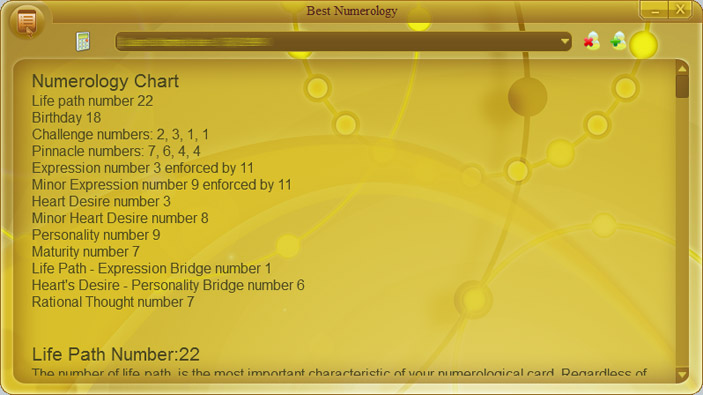
Best Numerology has very simple user friendly interface.
1. Use Press Ok button to add new entry, or Cancel to discard information. 2. When users are added, please select required user from drop-down list and press In "Numerology settings" dialog please select calculation date. By default, today date will be used. Press Ok to start calculation. 3. Numerology calculation results can be printed or saved to PDF file. Use menu commands "Print", "Print preview" and "Export PDF". 4. Removing users from drop-down list. Select user in drop-down list, then press |
 "Add user" button to add new user information. In opened "User information" dialog, please write your full name, short name and birth date.
 "Calculate" button.
 "Delete user" button.